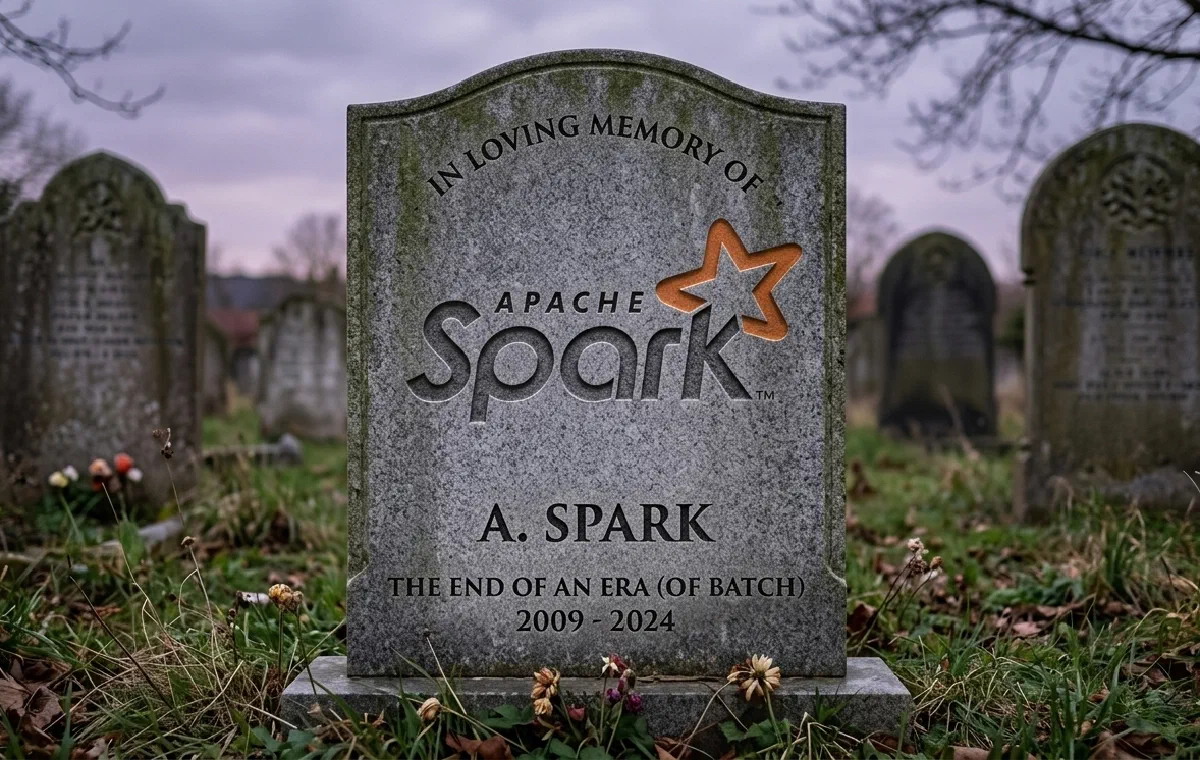
I was recently working on the architecture of a new data pipeline project, everything was going well, until the worst nightmare of every data engineer working with Pandas happened: my dataset was simply too large to fit in memory (it contained about 100 GB).
The solution to this type of problem is already well known in the data world (and appropriate for my context): clustering! But a question arose…

Why not just use Apache Spark since it’s the “industry standard,” you might ask? Well, for a few reasons that are well known about Spark:
- Not Pythonic;
- Inconsistency in its APIs;
- Enormous, incomprehensible error messages (Java 🤮);
- You’ll eventually have to code something in Scala.
On top of all that, during the development of our current architecture we defined just one rule: “Any tool or proposed solution needs to be ‘fun’ to work with!” When was the last time you said “wow, I’m going to spin up a Spark cluster, how cool…”?
Dask
During my research for Spark alternatives, I came across a library called Dask. Basically, Dask is a parallel computing library in Python, divided into two major use cases:
-
Dynamic task scheduling optimized for computation. Similar to Dagster, Airflow, Celery, or Make, but optimized for interactive computational workloads.
-
“Big Data” collections such as parallel arrays, dataframes, and arrays that implement common interfaces like NumPy, Pandas, or Python iterators for working in high-memory and/or distributed environments. These parallel collections run on dynamic task schedulers.
Perfect! A tool that gives us all the convenience of already-familiar tools like Pandas and NumPy without having to worry about the details of how it all gets managed under the hood. Below is an example comparing the Pandas and Dask interfaces.
|
|
I strongly recommend reading the official Dask documentation — it’s super complete and rich in details: https://docs.dask.org/en/stable/
Setting Up Our Dask Cluster Using Coiled
We still have one small problem to solve in our architecture: creating and managing clusters is tedious! Fortunately, during my studies on Dask, I found the perfect solution: Coiled!
Coiled creates and manages Dask clusters 100% automatically according to our specifications. Let’s look at an example below.
First let’s install the Coiled and Dask packages.
|
|
After that, let’s create a cluster with 20 machines, each with 4 vCPUs and 16 GiB: totaling 80 vCPUs and 320 GiB!
|
|
The first time you create a cluster, you’ll need to provide your Coiled authentication token, which you can get by accessing your account on their website. I recommend adding the token to your environment variables afterwards to avoid this manual step.
You can create your account at: https://www.coiled.io.
Once your cluster is created, you’ll see the following output indicating everything went correctly:
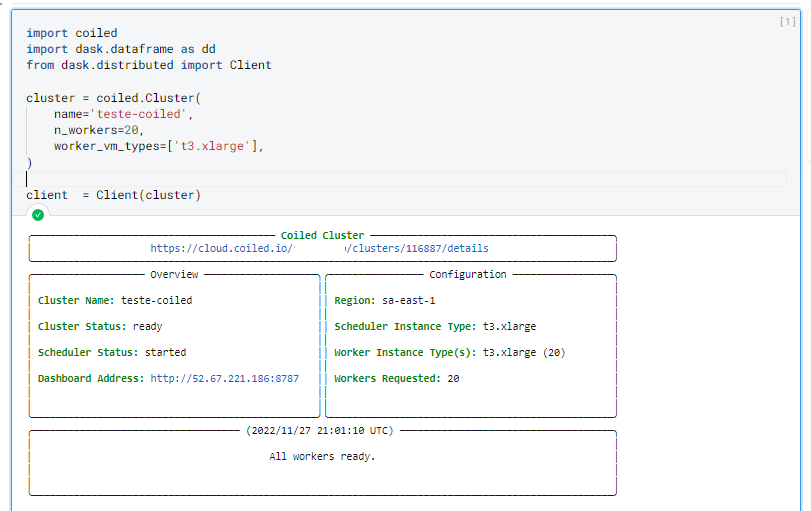
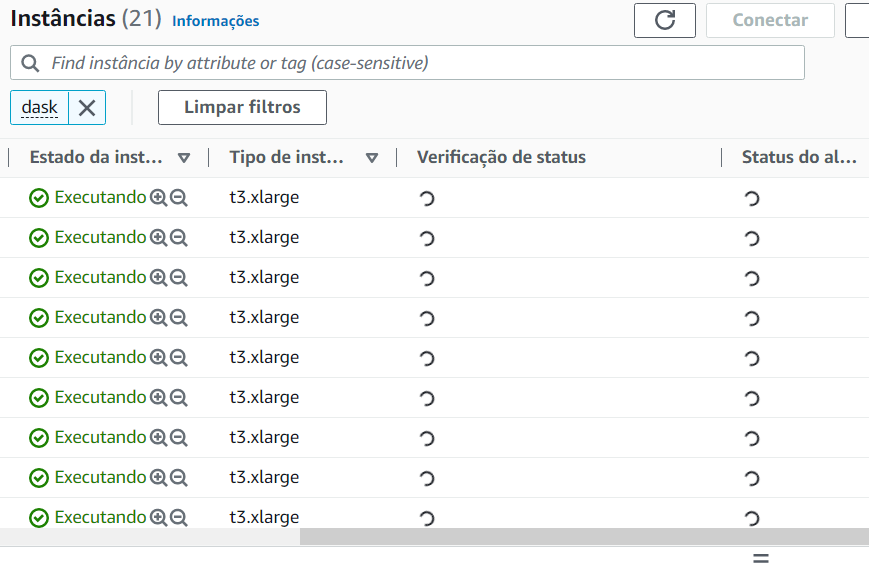
If we go to our cloud provider (in this case AWS), we can see all the infrastructure created by Coiled.
Dask also has a graphical interface where we can visualize in real time everything being executed on our cluster.
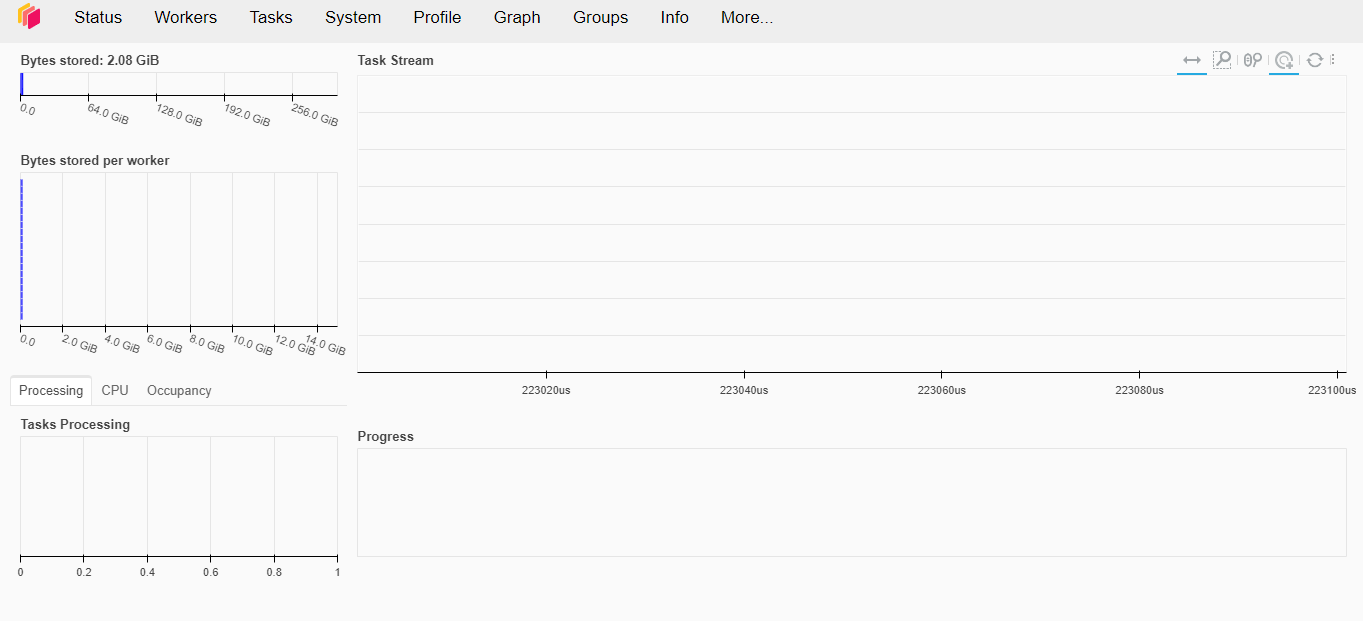
Let’s generate a sample dataset to test the limits of Dask with Coiled.
|
|
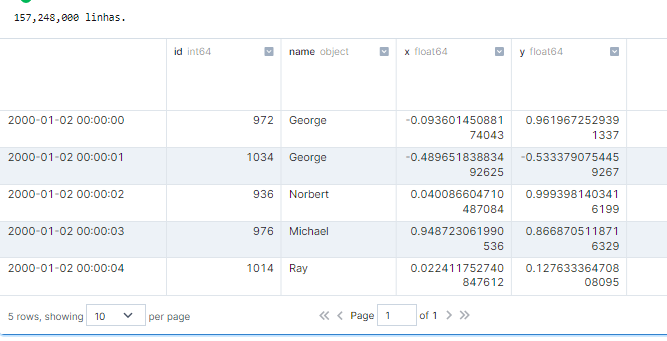
And in case you’re wondering, it took about 500ms to execute this code snippet. Here’s how this action appears on our dashboard:
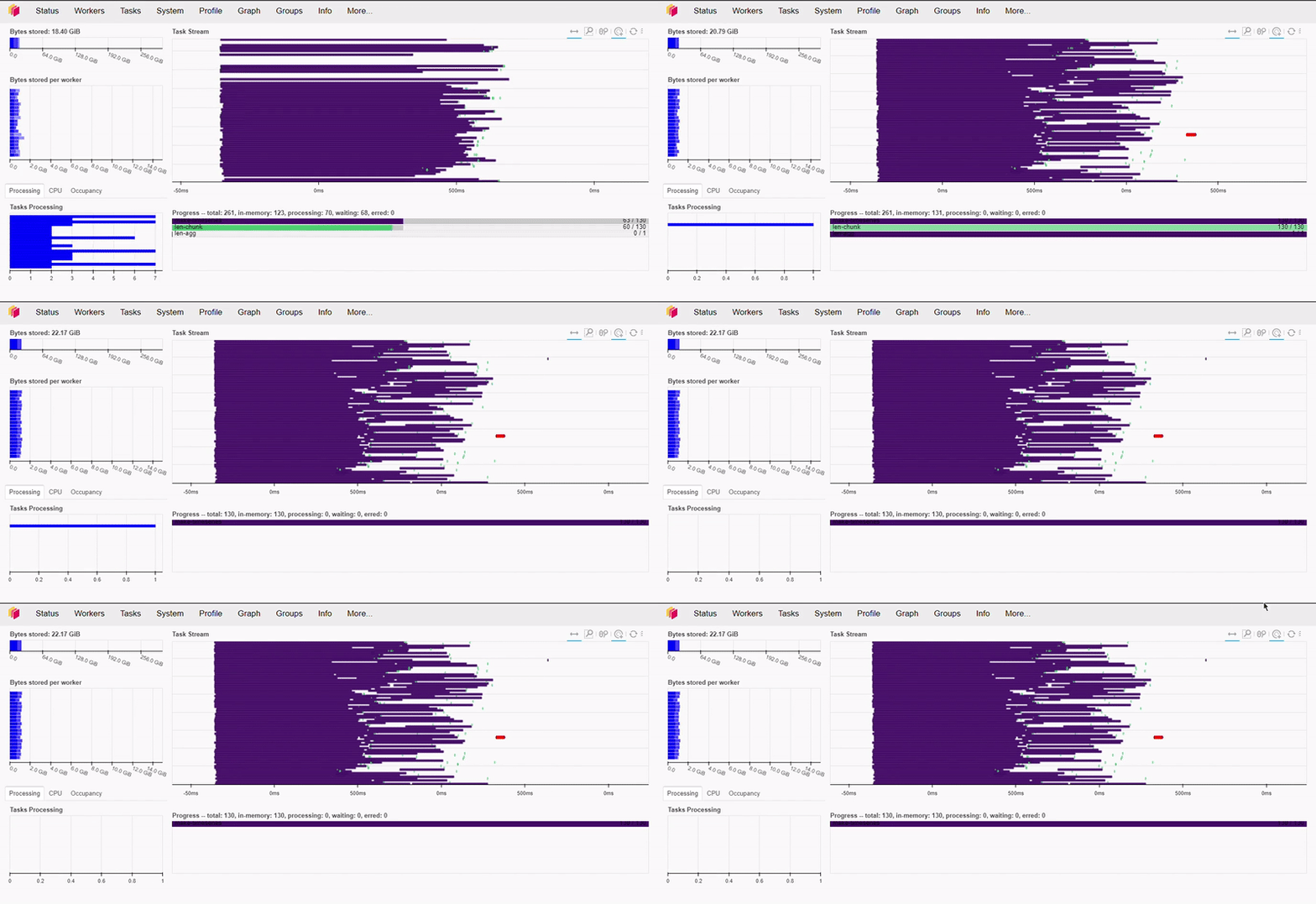
Let’s do a more complex operation now.
|
|
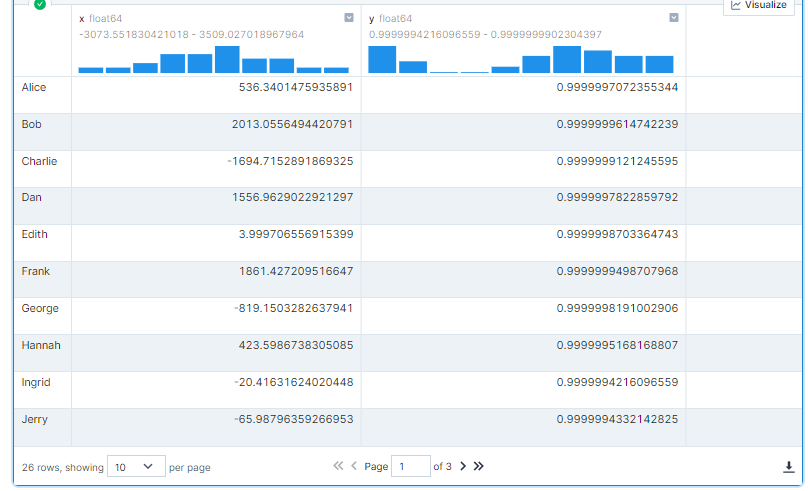
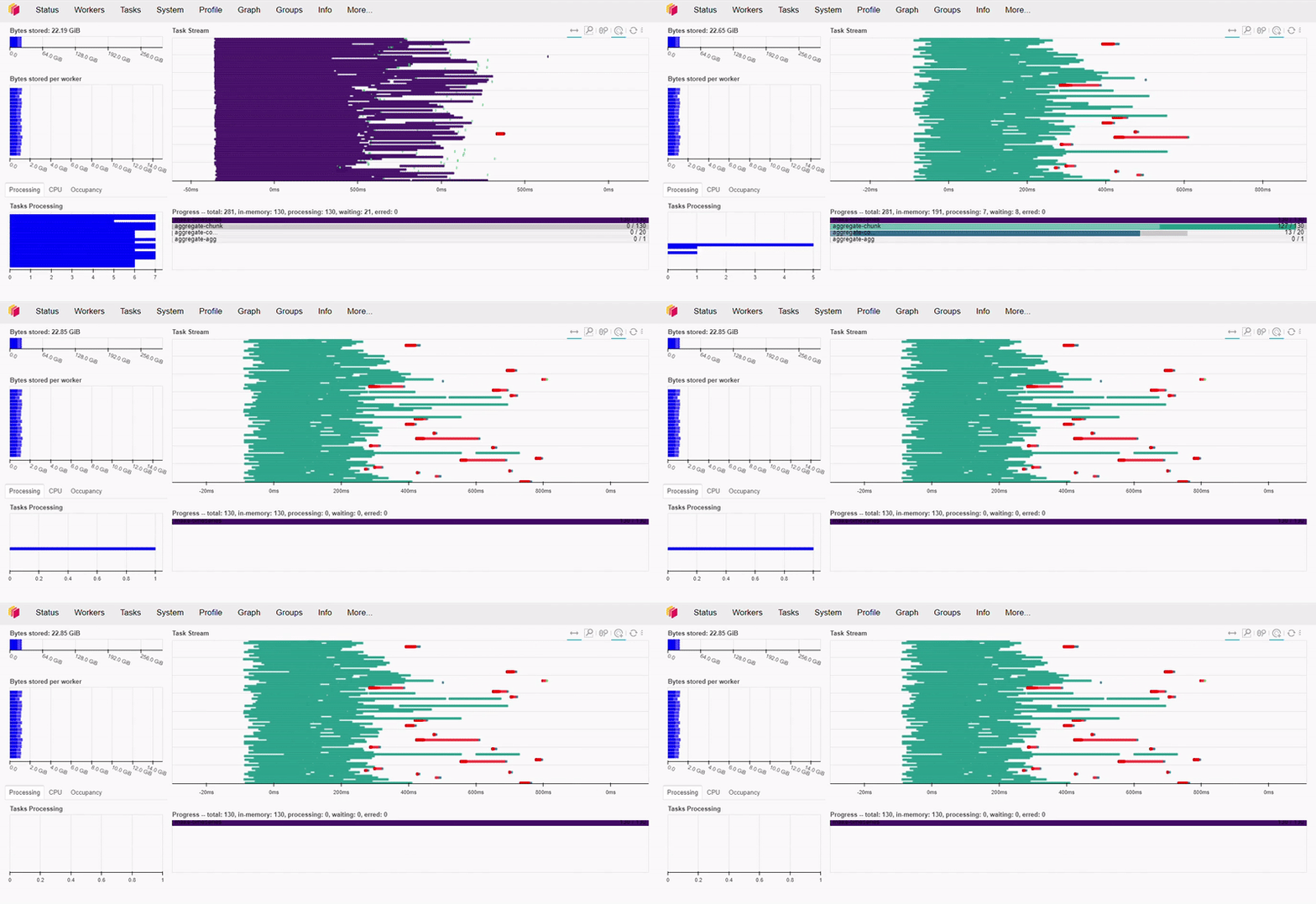
As we can see below, this operation took less than 1 second to execute.
If you’re interested and want to know more about Dask’s performance, I recommend watching this talk by Irina Truong, comparing Dask vs Spark. Spoiler… Dask is faster!
To avoid surprises at the end of the month: don’t forget to shut down your cluster by running the command below.
|
|
Conclusion
My experience with Dask and Coiled was incredible from start to finish. Both interfaces are super intuitive and very complete, making day-to-day work with these tools extremely enjoyable — the whole team could feel a real difference in productivity. I’m very likely to never use Spark again!